
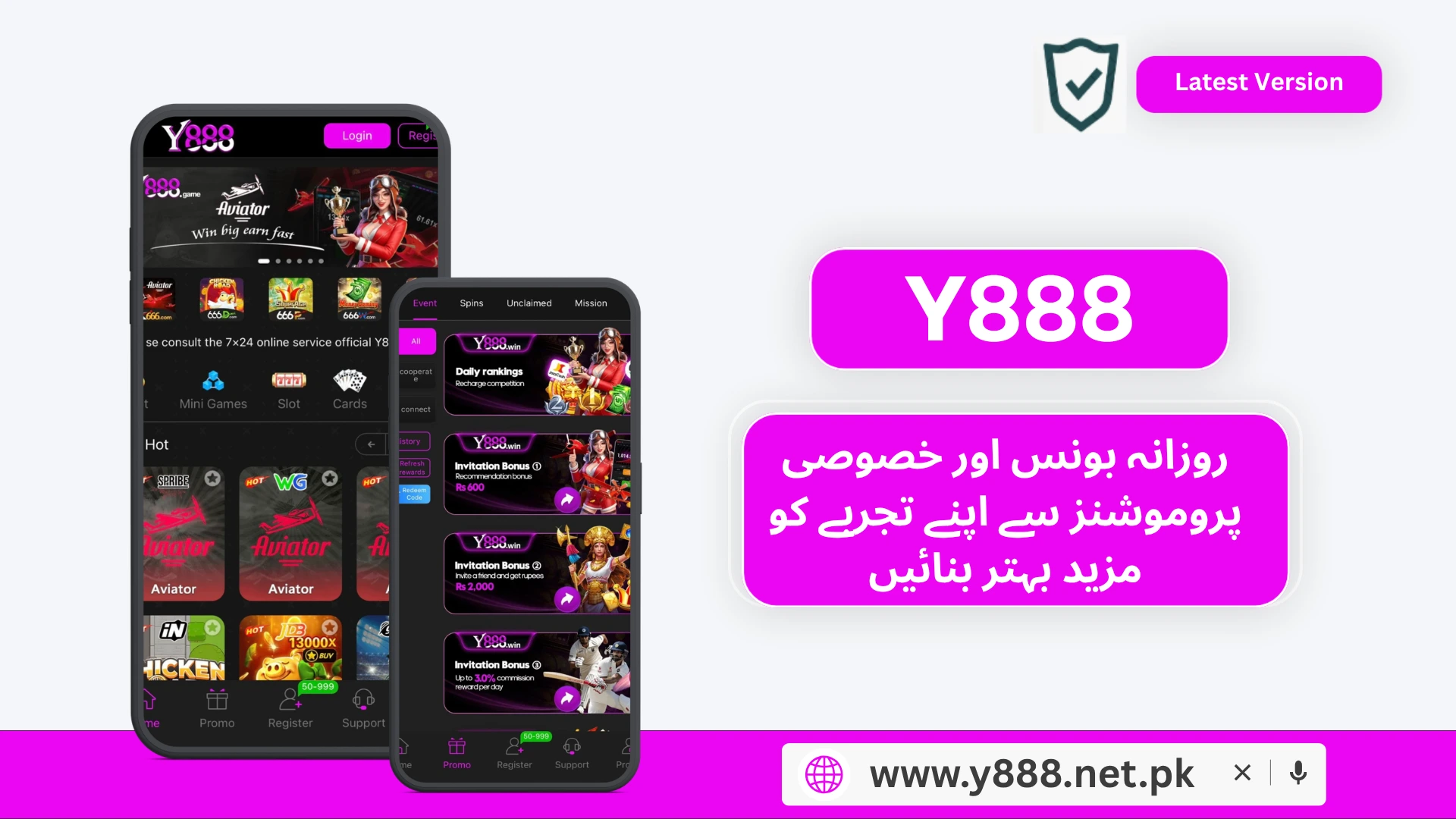
Inviting friends to Y888 can be a simple way to share the platform with people you know. If you enjoy exploring online games, you may want your friends to join and discover the available gaming options too. The invite feature in your account, can help you share the platform through a link or referral code.
In this article, you will learn how to invite friends to Y888 Game, share an invitation link and understand some important points about referral invitations.
What Is the Invite Friends Feature in Y888 Game?
The Y888 Game Invite Friends feature allows users to share the platform with other people. Some gaming platforms provide a referral link or code that users can send to their friends.
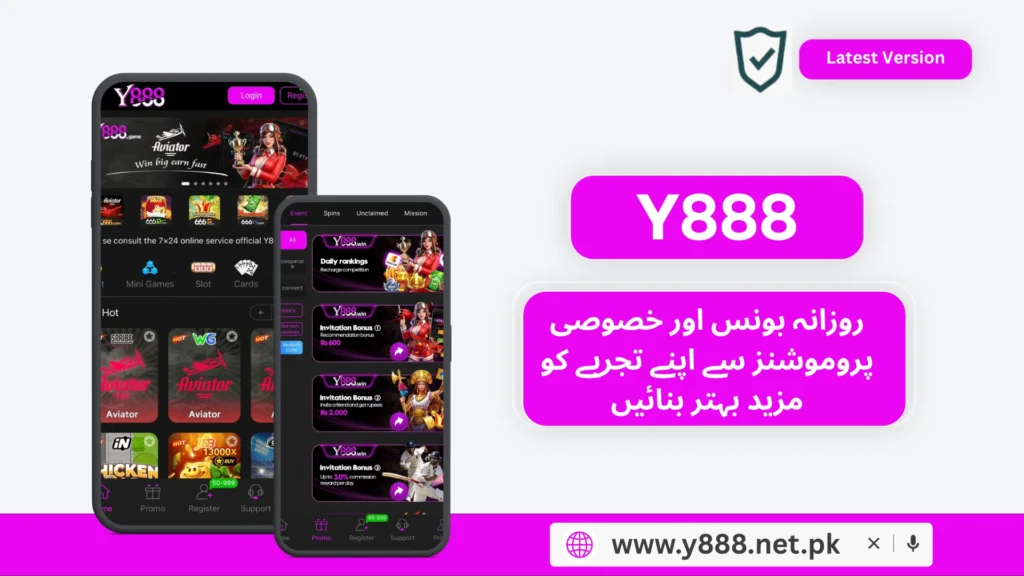
When someone opens your invitation link, they may be directed to the registration page. The new user may also need to complete certain requirements before the invitation is counted.
How to Invite Friends to Y888 Game?
Follow these general steps to share an invitation:
- Open the Y888 Game website on your mobile phone.
- Log in using your registered account details.
- Open your account dashboard or profile section.
- Look for an option named Invite Friends, Referral or Refer and Earn.
- Open the invitation section.
- Copy your referral link or code.
- Share it with your friends through WhatsApp or another messaging app.
Your friends can open the shared link and follow the registration instructions displayed on the website.
How to Share Your Y888 Invitation Link?
After getting your invitation link, you can share it with friends using different messaging apps. Here are some simple ways:
- WhatsApp: Send your invitation link directly to your friends.
- Facebook: Share the link with people who may be interested.
- Telegram: Send your referral link through a private message.
- SMS: Copy the link and send it as a text message.
Always share your invitation with people you know and avoid sending repeated messages to strangers.
How to Check Your Invited Friends?
Follow these general steps:
- Log in to your Y888 account.
- Open the Invite Friends or Referral section.
- Look for the invitation history or referral records.
- Check the status of your shared invitations.
The information shown may depend on the referral features available in your account.
Important Things to Know Before Inviting Friends
Keep these points in mind when sharing your Y888 Game invitation:
- Share the correct referral link or code.
- Make sure your friends understand the registration process.
- Do not create fake accounts to increase referrals.
- Do not share your account password or OTP with anyone.
Why Is My Referral Link Not Working?
Sometimes an invitation link may not open correctly. You can try these simple solutions:
Conclusion
The Y888 Game Invite Friends feature can make it easier to share the platform with friends and family. You can copy your invitation link and send it through WhatsApp, Facebook or other messaging apps. Always follow the referral rules and share accurate information when inviting others.