
Welcome to the Deposit and Withdrawal Page of Y888 Game App. It allows users to add funds to their gaming wallet and request withdrawals through available payment methods. Pakistani users should always check the payment options shown inside their account because supported methods, limits, and processing times may change.
This guide explains how to deposit and withdraw money from Y888 Game, check transaction details, and solve common payment problems.
Y888 Payment Methods
Depending on current availability, users may find different payment options in their Y 888 account, such as:
- JazzCash
- Easypaisa
- Bank Transfer
Always confirm the currently available method directly from the payment section before making a transaction.
How to Deposit Money in Y888 Game?
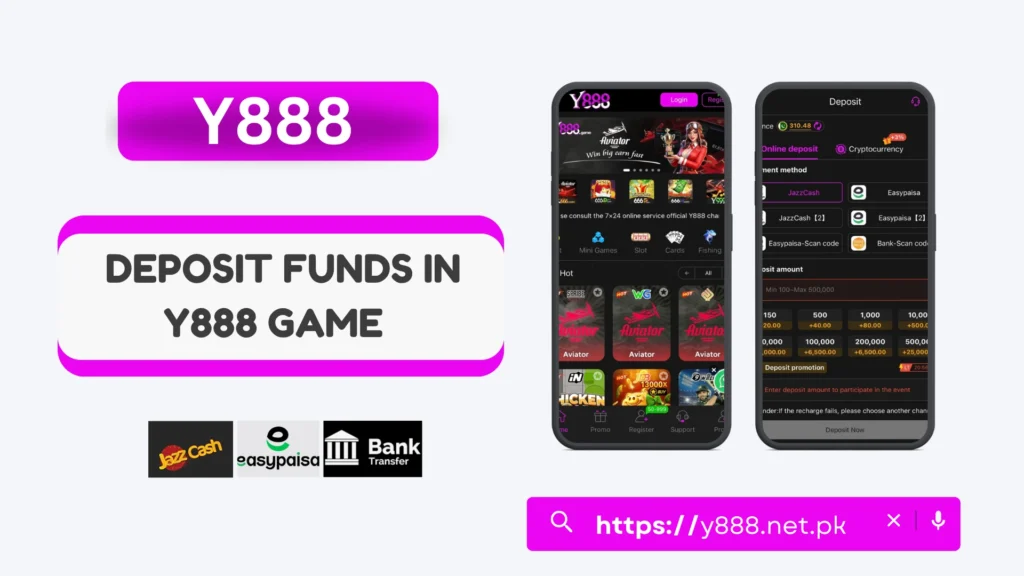
Follow these steps to add funds to your account:
- Log in to Y888 and open your account.
- Go to the Wallet or Deposit section.
- Select an available payment method.
- Enter the amount you want to deposit.
- Follow the payment instructions shown on the screen.
- Confirm the transaction and check your Y888 wallet balance.
Make sure the payment details are correct before confirming your deposit.
How to Withdraw Money from Y888 Game?
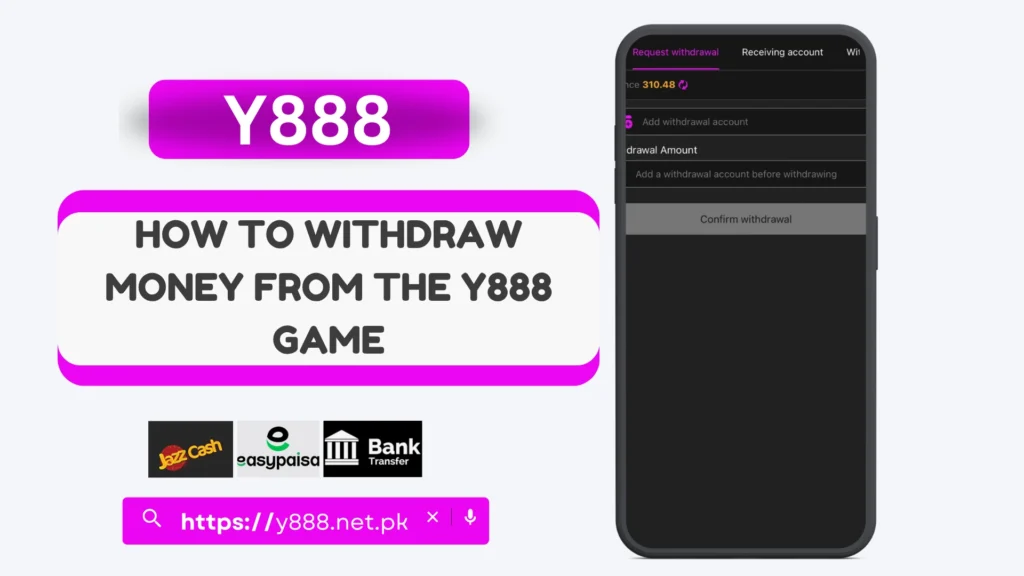
- Log in and open the Withdraw section.
- Choose an available withdrawal method.
- Enter the required payment account details.
- Add the amount you want to withdraw.
- Review all information carefully.
- Tap Withdraw or Confirm to submit your request.
You can check the transaction status from your account, where this option is available.
Important Deposit and Withdrawal Points
Before making a payment, remember to:
- Check the minimum and maximum limits
- Use your correct payment information
- Review any withdrawal requirements
- Check bonus conditions before withdrawing
- Keep your transaction record
- Never share your OTP or password
Deposit Not Showing?
If your deposit does not appear in your Y888 wallet, first check whether the payment was successfully completed. Wait for the normal processing period and review your transaction details.
If the balance is still not updated, contact the available Y888 customer support with the relevant transaction information.
Withdrawal Pending or Failed?
A withdrawal may take longer because of payment processing, incorrect account details, verification requirements, or other account checks.
Check the withdrawal status and make sure your payment details are correct. Contact support if the issue continues beyond the stated processing time.
Final Words
The Y888 Deposit and Withdrawal process is managed through the wallet section of your account. Users can select an available payment method, enter the required details, and complete their transaction by following the instructions shown on the platform.
Before depositing or withdrawing, always check the latest payment methods, transaction limits, processing times, and withdrawal conditions. This can help avoid common payment problems.